One platform, zero tabs
Sourcing, outreach, database, career page, note-taker and more.
Needle finds candidates, schedules interviews and updates your pipeline - so you can focus on hiring decisions, not data entry.
Add to SlackAI-generated output may be inaccurate or incomplete. Review before acting on it.

@Needle add Amara Okoye to the AI Engineer pipeline
Done! Added Amara Okoye to AI Engineer — she came in as a referral, so I skipped Sourced.
Good /find-availability and invite her to interview
Mail sent — offered Thu 2:00 PM + 2 backups. I'll book whichever she picks.
Backed by leaders from
Features
Know where every candidate stands. Without the data entry.
Needle maps your ideal talent pool, schedules interviews and tracks every candidates - all in one place.
Sourcing, outreach, database, career page, note-taker and more.
Emails, calls, interview recordings, all turned into structured records.
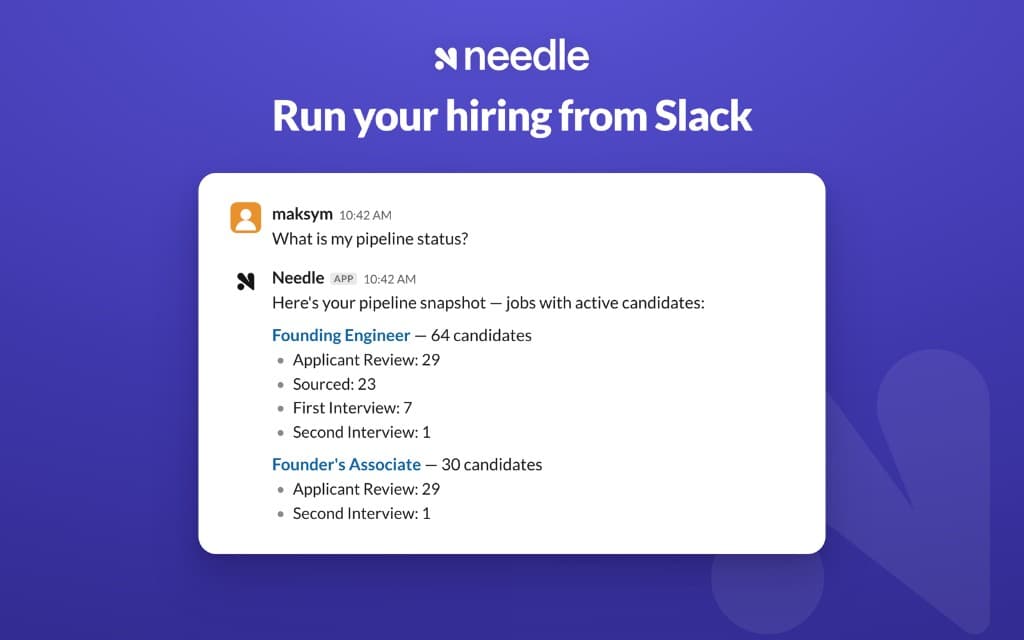
Needle tracks candidates across every stage.
Tag @Needle to run hiring straight from Slack. Don’t make your team learn and context-switch into another tool.
Agents search, enrich and rank candidates against your ideal profile.
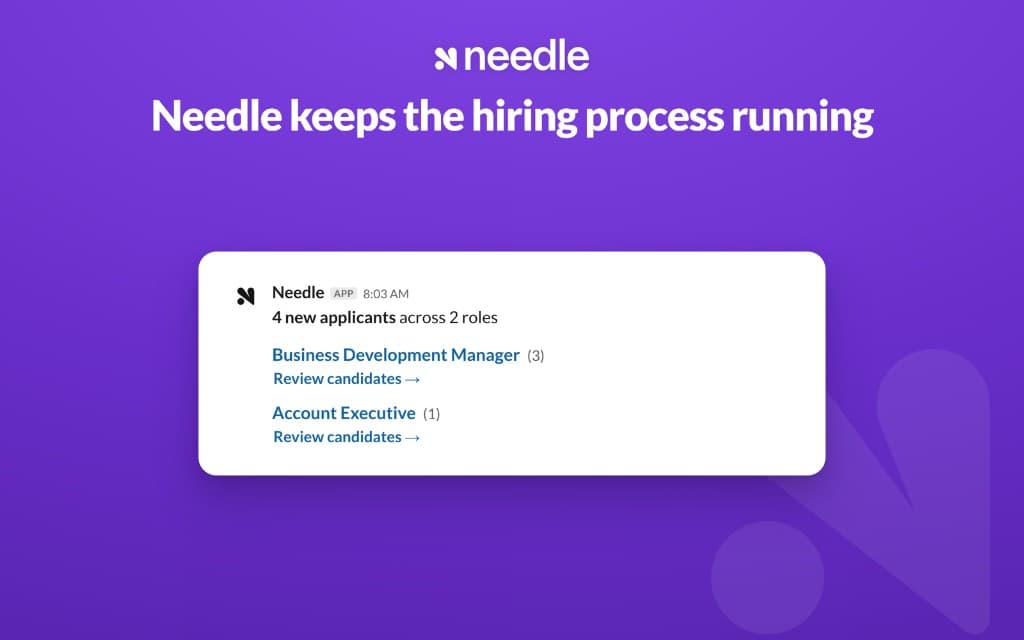
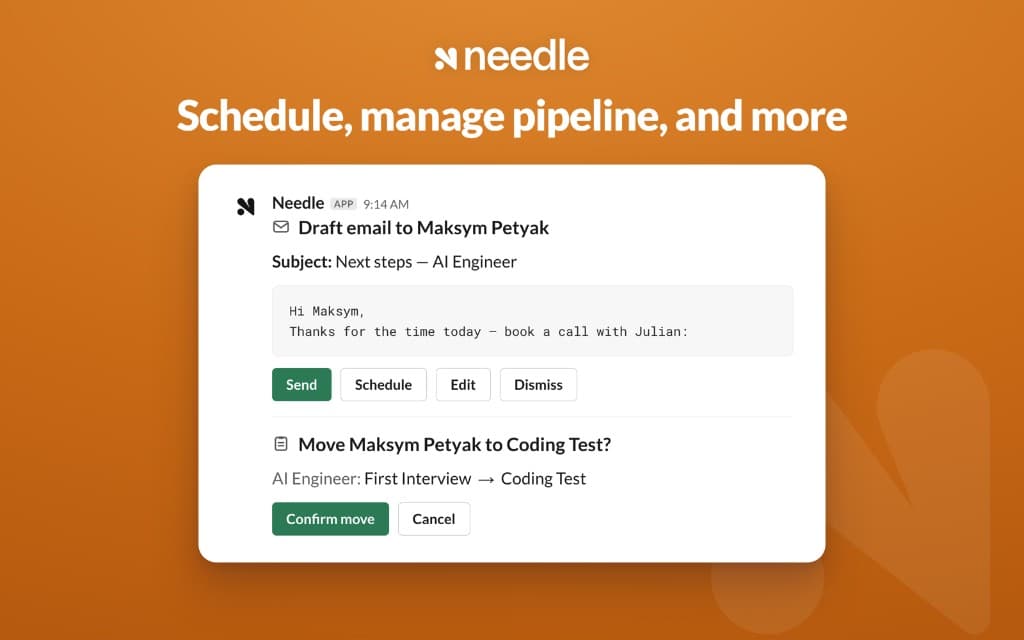
Outreach, scheduling and pipeline updates happen automatically.
Needle is built on context not forms to give you insights your legacy ATS can’t.
Testimonials
Talent-dense teams already trust Needle to run their hiring.
Finally an ATS that's built for agents, not humans to click around. We plugged in via MCP and made our first three hires in weeks.
With Needle, we always know exactly where every candidate stands - right from Slack. It helped us grow the team from 12 to 30+ in weeks. Absolute game-changer.
We never wanted an ATS until we tried Needle's Slack agent. Now we track every candidate without leaving where we already work.
Slack native
In action
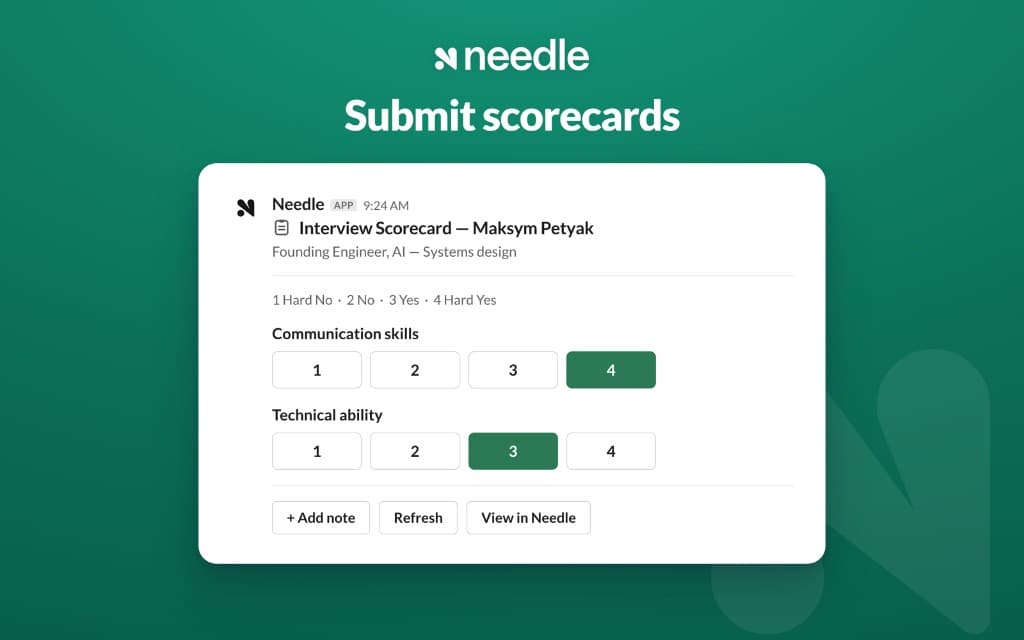
Pipeline answers, applicant alerts, scorecards and scheduling — without opening another tab.
Installation
Needle's assistant in Slack runs on Slack's AI assistant feature, which Slack enables only on paid Slack plans. A paid Slack workspace is required to use the in-Slack assistant.
AI-generated output may be inaccurate or incomplete. Review before acting on it.
Add to SlackCreate Needle account for free.
In setup, click "Connect Slack" and approve Needle for your workspace.
Click Open the recruiting channel to add #needle-recruiting.
Post your first role and message @Needle by DM or @-mention to start hiring.
The "Connect Slack" button appears right after you sign up.
FAQs